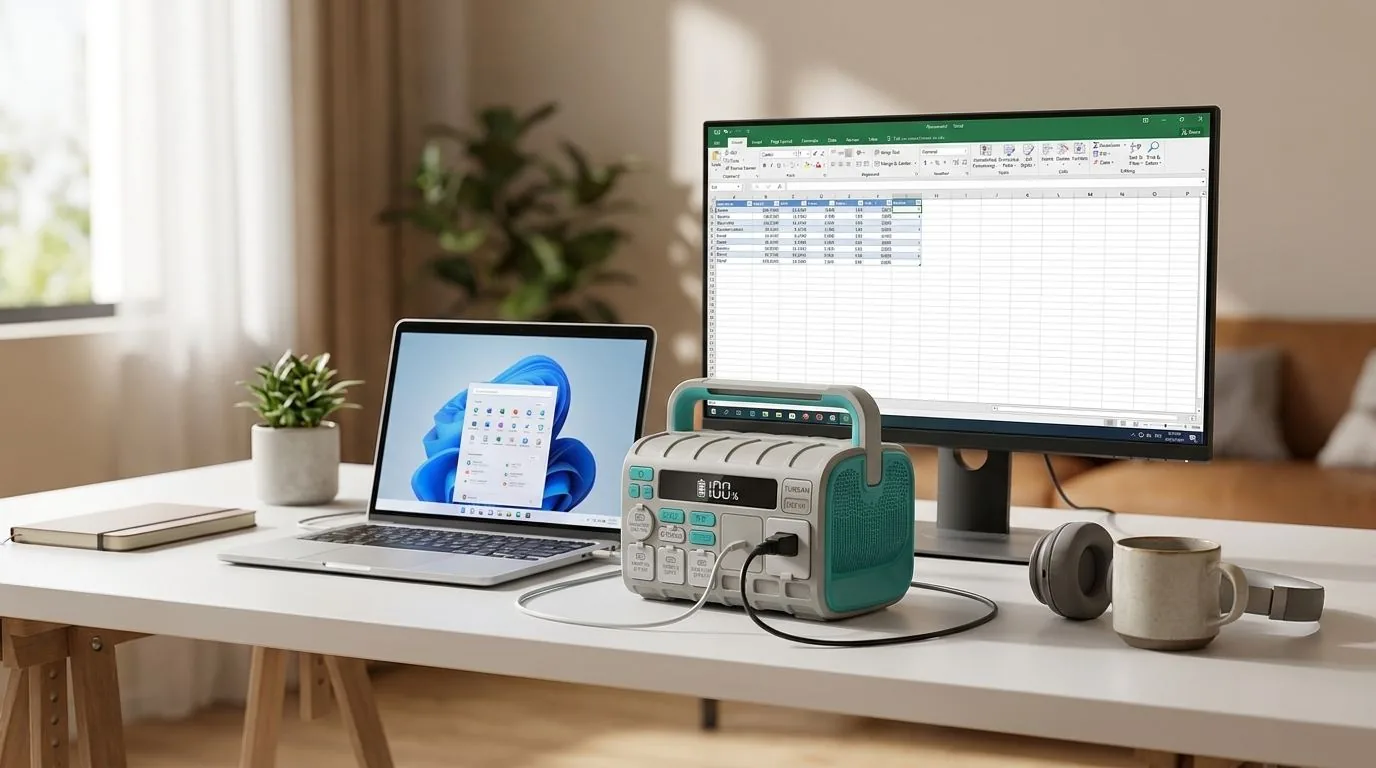
It's 2:47 PM. You're on a critical Zoom call with a client in London. Your presentation is going well. You're about to close the deal. Then — darkness. NEPA has struck again. Your laptop battery has 12 minutes left. Your Wi-Fi router is dead. Your hotspot is weak. The call drops. The client moves on.
If you work remotely from Nigeria, this is not a hypothetical scenario. It's Tuesday.
Nigeria's remote work economy is booming. From freelance developers on Upwork to virtual assistants, content creators, crypto traders, and customer support agents — thousands of Nigerians now earn in dollars and pounds from their homes. But there's one thing standing between them and their income: unreliable power.
🚨 The Real Cost of Dropped Calls
Ask almost any Nigerian remote worker and you will hear it: a lost client or missed deadline because the power went off. For freelancers billing $20-50/hour, a single 4-hour outage can cost ₦60,000-₦150,000 in lost income — more than the monthly electricity bill itself.
The Remote Worker's Power Problem
Working from home in Nigeria presents a unique set of power challenges that office workers don't face:
- Unpredictable outages: Unlike scheduled load-shedding in some countries, Nigerian power cuts are random. You can't plan around them.
- Router dependency: Your Wi-Fi router dies instantly when power goes. No UPS? No internet. Your laptop battery means nothing without connectivity.
- Video call demands: Zoom, Google Meet, and Microsoft Teams consume significant bandwidth AND processing power. Your laptop battery drains 40% faster during video calls.
- Multiple devices: Most remote workers need a laptop, external monitor, router, phone charger, and possibly a desk lamp — simultaneously.
- Generator noise: You cannot take a professional client call with a generator roaring in the background. Full stop.
What Does a Remote Work Setup Actually Consume?
Let's break down the exact power draw of a typical Nigerian remote worker's desk:
| Device | Wattage | Hours/Day | Daily Wh |
|---|---|---|---|
| Laptop (charging) | 45-65W | 8 | 360-520Wh |
| External monitor | 25-40W | 8 | 200-320Wh |
| Wi-Fi router | 10-15W | 8 | 80-120Wh |
| Phone charger | 15-25W | 3 | 45-75Wh |
| Desk lamp (LED) | 8-12W | 6 | 48-72Wh |
| Standing fan | 50-65W | 8 | 400-520Wh |
| Total instantaneous load | 153-222W | 1,133-1,627Wh |
The key insight here: a remote worker's total load is modest — typically under 250W. You don't need a generator. You don't need a massive inverter system. You need a clean, reliable, silent power source that can sustain 150-250W for 4-8 hours.
Video Conferencing: The Hidden Power Drain
Video calls are the remote worker's biggest power concern, and here's why:
- Zoom/Google Meet with video ON: Your laptop draws 50-65W (vs 30-40W for normal browsing). The CPU works harder for video encoding/decoding.
- Screen sharing + video: Adds another 5-10W of CPU load.
- External webcam: 2-5W additional draw via USB.
- Ring light (if you use one): 10-20W.
During a 2-hour video call, your total setup might draw 200W sustained. That's where having the right power station matters — it needs to handle this load without breaking a sweat, and it needs to do it silently.
⚡ Why Silence Matters for Remote Workers
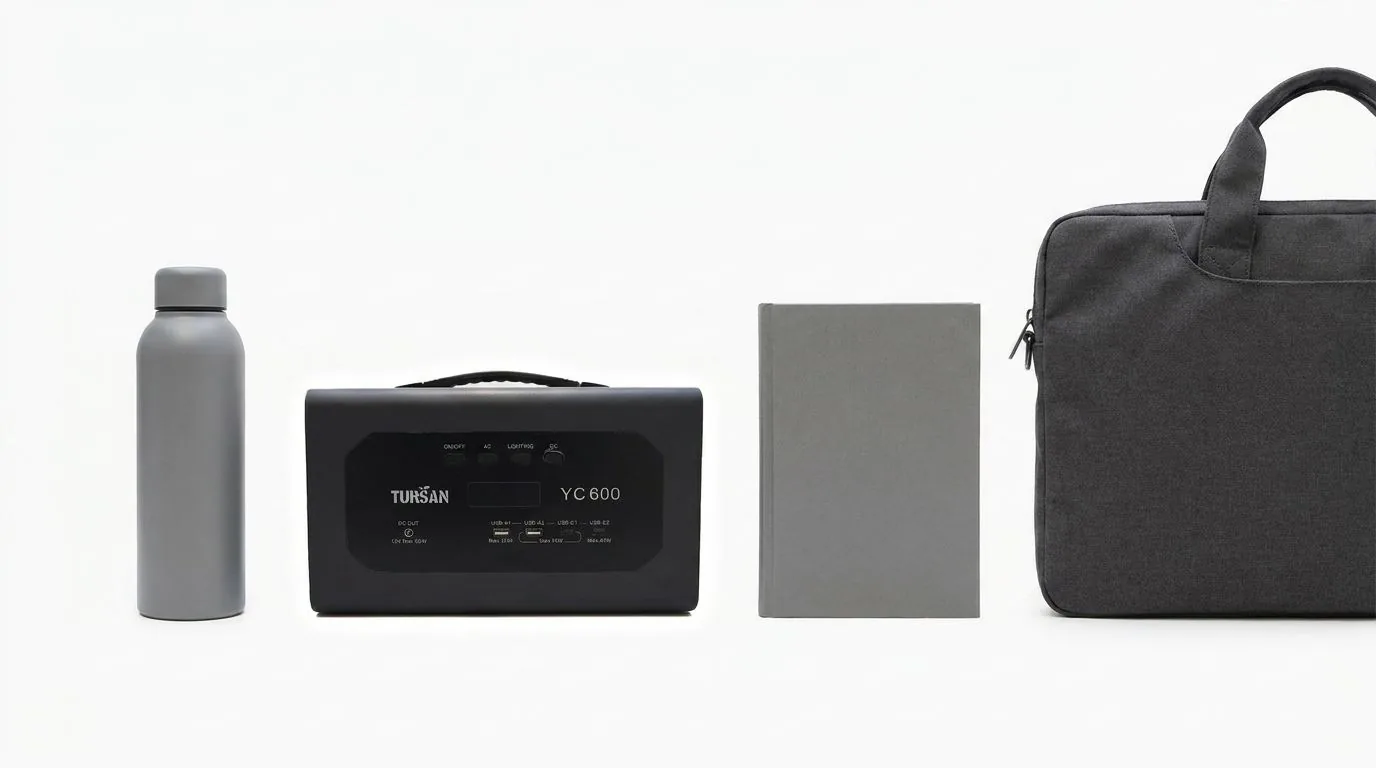
A portable power station produces virtually no noise (at most a quiet cooling fan under heavy load). No engine, no vibration, no exhaust. Compare this to a generator at 65-80 dB — that's louder than a normal conversation. Your Zoom clients hear everything. A power station lets you maintain complete professional audio quality during outages.
The Remote Worker's Power Station Checklist
Not all power stations are equal for WFH use. Here's what to look for:
1. Pure Sine Wave Output (Non-Negotiable)
Your laptop, monitor, and router all use sensitive electronics. Modified sine wave inverters can cause screen flickering, Wi-Fi dropouts, and even damage charging circuits over time. Every TURSAN power station uses pure sine wave output — the same clean power as your wall socket.
2. Enough Capacity for a Full Work Day
If your total load is 200W and you need 6 hours of backup, you need at least 200W x 6h / 0.85 = 1,412Wh of battery capacity. The YC1100 handles most remote workers through a 4-5 hour outage comfortably.
3. Multiple Output Ports
You're powering a laptop, monitor, router, phone, and fan simultaneously. You need multiple AC outlets plus USB ports. All TURSAN models include multiple AC outlets, USB-A, and USB-C outputs.
4. Pass-Through Charging
The best setup: keep the power station plugged into the wall while working. When power goes, it seamlessly takes over — like an automatic UPS. When power returns, it charges itself while continuing to power your devices.
5. Solar Input for Extended Outages
For those 8-12 hour outages that Lagos is famous for, MPPT solar input lets you recharge from a solar panel during the day. This is particularly valuable for remote workers who can't afford to stop working just because NEPA decides to take the whole day.
Recommended Setup by Work Type
| Work Type | Typical Load | Recommended | Runtime |
|---|---|---|---|
| Writer / VA / Chat Support | 100-130W | YC600S (₦439,999) | 4-5 hours |
| Developer / Designer | 150-220W | YC1100 (₦539,999) | 4-6 hours |
| Video Editor / Streamer | 200-350W | YC1200 (₦769,999) | 3-5 hours |
| Home Office (2 people) | 300-450W | YC2400 (₦1,350,000) | 4-7 hours |
The ROI Calculation for Remote Workers
Let's do the math for a freelance developer earning $30/hour (approximately ₦45,000/hour at current rates):
- Average power outages per week: 3-4 events
- Average outage duration: 3 hours
- Lost productive hours per month: 36-48 hours
- Lost income per month: ₦1,620,000 - ₦2,160,000
Even if you only capture half of those lost hours with a power station, you're recovering ₦810,000 - ₦1,080,000 per month. A TURSAN YC1100 at ₦539,999 pays for itself in less than 3 weeks.
🚨 The Generator Alternative Is Worse
Some remote workers try generators. Beyond the noise problem (your clients WILL hear it), a small generator costs ₦80,000-₦150,000 upfront, then ₦700-₦1,050 per hour in fuel, plus ₦5,000-₦10,000/month in maintenance. After 6 months, a generator has cost you more than a TURSAN YC1100 — and it's still making noise on every call.
Pro Tips for Maximum Uptime
Tip 1: Always Keep It Charged Above 80%
Nigerian outages don't announce themselves. Keep your power station plugged in and topped up. When power drops, you're ready instantly.
Tip 2: Power Your Router First
Your laptop has its own battery. Your router doesn't. The moment power goes, plug your router into the power station immediately. Keep your internet alive — that's your lifeline.
Tip 3: Close Background Apps During Outages
When running on the power station, close Spotify, Chrome tabs you don't need, and background apps. Reduce your laptop's power draw from 65W to 35-40W and dramatically extend your runtime.
Tip 4: Lower Screen Brightness
Your monitor and laptop screen are the biggest power consumers after the laptop itself. Dropping brightness from 100% to 60% can save 10-15W — that's an extra 30-45 minutes of runtime over a 4-hour outage.
Tip 5: Use Ethernet During Outages
If you have an ethernet cable, use it. Wi-Fi adapters draw more power than wired connections, both on your router and laptop. Every watt saved extends your work session.
What About Starlink Users?
Starlink is becoming popular among Nigerian remote workers for its reliability. But here's the catch: a Starlink dish draws 40-75W constantly. That's a significant additional load on top of your work setup.
If you're running Starlink + laptop + monitor + fan, your total load jumps to 200-300W. The YC 1100 still handles this, but for all-day coverage, consider the YC 1200 for the extra battery capacity.
"The best investment I made as a remote worker wasn't a new laptop or faster internet — it was a power station that kept everything running when NEPA said no."
The Bottom Line
If you earn money from your laptop in Nigeria, a portable power station is not a luxury — it's a business expense that pays for itself. The math is simple: even one prevented dropped call or one saved workday per month more than justifies the investment.
For most remote workers, the TURSAN YC 1100 hits the sweet spot — enough power for a full workstation, enough capacity for 4-6 hours of uninterrupted work, near-silent, and priced at a point that makes the ROI undeniable.
Frequently Asked Questions
What does a remote worker need to stay online in a blackout?
Power for the laptop, Wi-Fi router, phone and a light, without generator noise in the background of your calls.
Why is the router the weak point?
Your Wi-Fi router dies the moment power goes. Without backup for it, a charged laptop still cannot get online.
Which TURSAN unit suits a home office?
A home office load of about 150–220W is easily handled by the YC 600S for several hours.
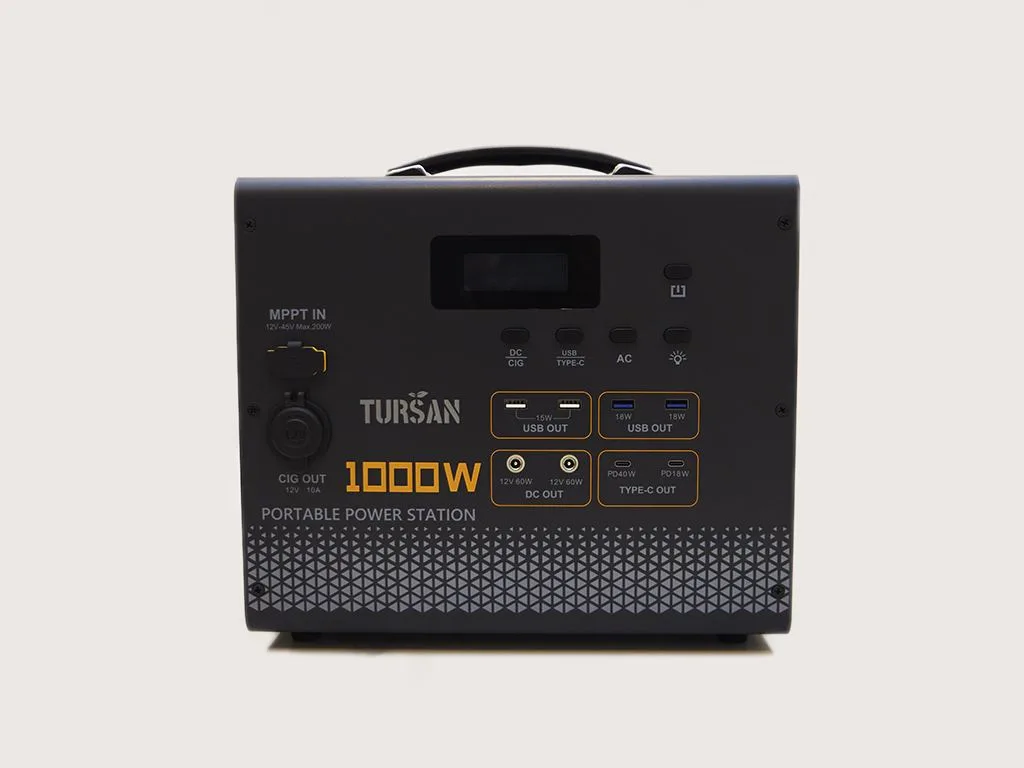
TURSAN YC1100 Portable Power Station
Built for the Nigerian remote worker. 1000W pure sine wave output powers your laptop, monitor, router, and fan simultaneously in total silence. BYD LiFePO4 battery, 4,000+ cycles, MPPT solar input. 2-year warranty included.